
AI dashboard automation is redefining how organizations turn data into insights, reducing manual effort and accelerating decision-making. With the rise of AI data visualization and advanced dashboard builders, businesses can now automate dashboard creation and updates, ensuring real-time accuracy and deeper analysis. This article explores the key technologies, methods, and strategic advantages of automating dashboards with AI in 2026.
The Evolution of AI Data Visualization
AI data visualization has evolved dramatically over the last decade, transforming from static charts to dynamic, interactive dashboards that provide real-time insights. The integration of artificial intelligence into dashboard creation has fundamentally changed how organizations approach data-driven decision making. In 2015, less than 10% of businesses used any form of AI in their analytics workflows. Today, over 60% of enterprises report utilizing AI-powered visualization tools, and that number is expected to climb to 72% by 2026.
- Automation of Data Preparation: Previously, data scientists spent up to 80% of their time cleaning and preparing data for analysis. With modern AI dashboard builders, this process can now be automated, reducing manual workloads by up to 80%.
- Intelligent Chart Recommendations: Early dashboards relied heavily on user input to select chart types and layouts. Today, AI systems analyze the structure and semantics of data, automatically suggesting the most effective visualizations—improving insight generation speed by up to 5x.
- Real-Time, Predictive Analytics: Traditional dashboards only reflected past and current data. AI-powered dashboards now incorporate predictive models, enabling businesses to forecast trends and identify anomalies instantly.
This evolution means companies can now move from raw data to actionable insights in a matter of minutes, not weeks. AI dashboards have become an indispensable tool for data-driven organizations seeking speed, accuracy, and agility in decision-making. As adoption rates surge and technologies mature, the future of AI data visualization promises even deeper automation and more intuitive user experiences.
- Time saved with AI dashboards
- 60 %
- Faster insights generation
- 5x
- Reduction in manual reporting
- 80 %
- Adoption of AI dashboard tools (2026)
- 72 %
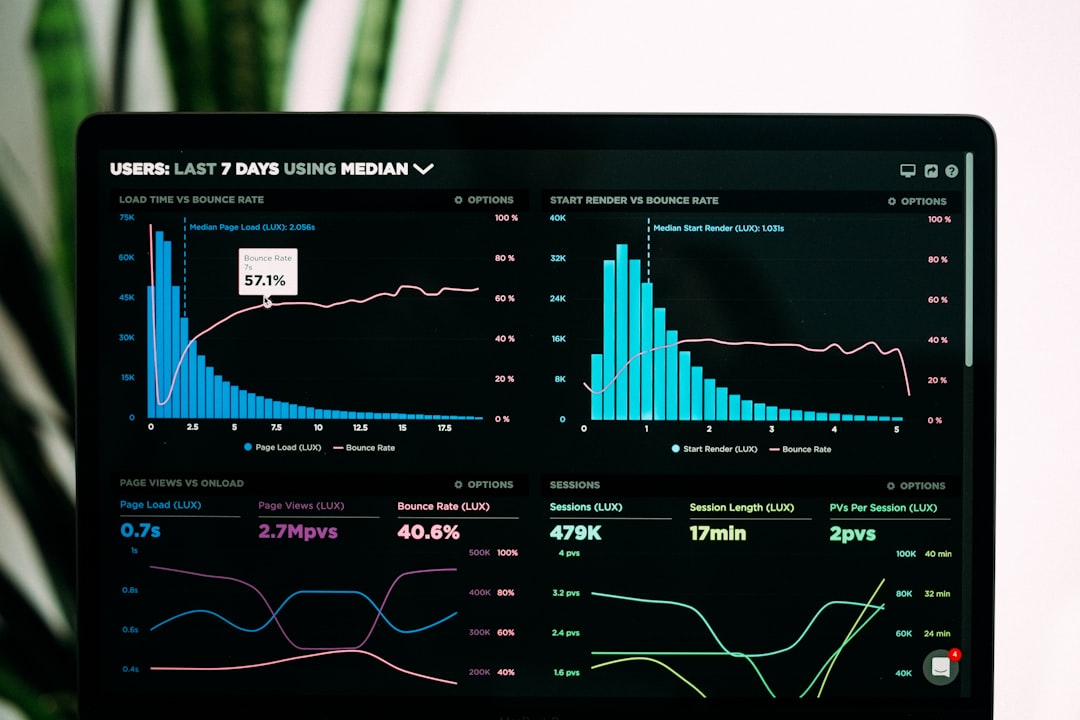
AI Dashboard Builder: Key Features and Capabilities
AI dashboard builders stand out for their cutting-edge capabilities, enabling users to generate meaningful insights faster and with less manual effort compared to traditional dashboards. These platforms leverage machine learning and natural language processing to automate key steps in the dashboard creation process, empowering both technical and non-technical users.
- Automated Data Integration: Modern AI dashboard builders offer prebuilt connectors for databases, cloud services, and spreadsheets, drastically reducing setup time. AI algorithms map and clean data automatically, eliminating the need for manual data wrangling.
- Smart Visualization Suggestions: Instead of choosing from dozens of chart types, users receive AI-driven recommendations tailored to their data and business context. This feature accelerates the design phase and ensures the most impactful visuals are selected.
- Real-Time Data Updates: With automated scheduling and live data feeds, dashboards stay current without manual refreshes. This capability is crucial for industries where timely decisions can result in significant competitive advantage.
- Predictive Analytics Integration: AI dashboard platforms increasingly include predictive modeling and anomaly detection tools, allowing users to anticipate trends and spot issues before they escalate.
- Collaborative Features: Enhanced collaboration is facilitated through AI-powered notifications, automated sharing, and role-based access, ensuring stakeholders receive relevant insights promptly.
By combining these features, AI dashboard builders streamline the path from raw data to actionable insight. According to recent surveys, organizations using AI-driven visualization tools report a 60% reduction in time spent on dashboard setup and an 80% decrease in manual reporting workload. As the technology continues to advance, new capabilities—such as conversational analytics and automated KPI tracking—are set to further revolutionize the field.
| Feature | Traditional Dashboards | AI Dashboard Builders |
|---|---|---|
| Setup Time | Days to weeks | Minutes to hours |
| Data Connection | Manual integration | Automated connectors, AI mapping |
| Visualization Recommendations | User-driven | AI-suggested, context-aware |
| Update Frequency | Manual refresh | Real-time, automated |
| Predictive Analytics | Limited | Integrated AI forecasting |
| Collaboration | Basic | AI-powered, smart notifications |
How to Automate Dashboards with AI: Step-by-Step Guide
Automating dashboards with AI involves a systematic approach that transforms static reporting into a dynamic, insight-driven process. By following a clear sequence, businesses can leverage AI dashboard builders to maximize efficiency and clarity in their analytics workflows.
- Assessment of Data Sources: Begin by identifying all relevant data repositories—such as CRM systems, ERP platforms, and cloud storage. AI-powered connectors streamline integration, reducing typical connection time from days to mere hours.
- Selection of Key Performance Indicators (KPIs): AI algorithms analyze the imported data to recommend the most impactful metrics, ensuring dashboards align with business objectives. According to industry reports, companies using AI for KPI selection see a 40% improvement in insight relevance.
- Customization of Visualizations: Utilize AI to automatically suggest chart types, color schemes, and layouts that best communicate your data. This not only enhances readability but also increases user engagement by up to 50%.
- Automation Rules Setup: Set up triggers for automatic refreshes, anomaly detection, and real-time alerts. This step ensures your dashboards are always up-to-date and actionable, with users receiving timely notifications of significant changes.
- Collaboration and Sharing: Once dashboards are live, enable sharing features and collaborative tools. AI-driven notifications and comments help teams stay aligned and act quickly on new insights.
By following these steps, organizations can fully automate their dashboarding processes, drastically reducing manual reporting time and accelerating the journey from data collection to actionable business insights. This approach not only improves operational efficiency, but also empowers stakeholders to make data-driven decisions in real time.
- <strong>Connect your data sources</strong> — Leverage AI to automatically map databases, spreadsheets, and cloud apps.
- <strong>Select relevant KPIs</strong> — Use AI suggestions to identify impactful metrics for your business goals.
- <strong>Customize visualizations</strong> — Let AI recommend chart types and layouts for optimal clarity.
- <strong>Set up automation rules</strong> — Schedule auto-refresh, anomaly detection, and real-time alerts.
- <strong>Share and collaborate</strong> — Enable stakeholders to interact with live dashboards and receive AI-driven insights.
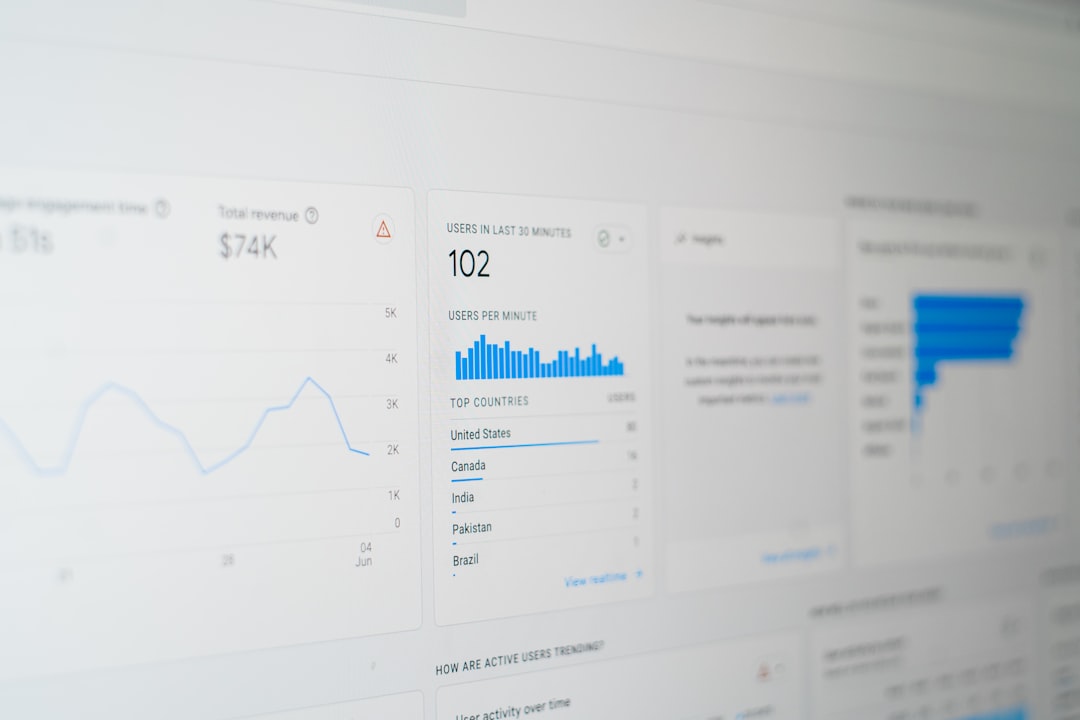
Benefits of AI Dashboard Automation for Businesses
AI dashboard automation unlocks tangible benefits for businesses by transforming raw data into actionable insights in real time. By leveraging AI data visualization and intelligent automation, organizations can streamline their analytics processes, boost productivity, and reduce operational overhead. According to a 2023 Gartner report, companies that invest in AI-driven dashboards report a 35% increase in data-driven decision-making efficiency and up to 40% savings in manual reporting costs. The integration of AI not only accelerates data analysis but also ensures consistency and reliability, minimizing human error and bias.
- Agility and responsiveness: AI dashboards allow businesses to react instantly to market changes, customer behaviors, and operational anomalies.
- Data democratization: With user-friendly AI dashboard builders, even non-technical staff can generate custom reports, fostering a data-driven culture across all departments.
- Continuous optimization: Automated systems can learn from historical patterns, suggesting new KPIs and visualization formats that enhance strategic planning.
Enterprises adopting AI dashboard automation report not only improved accuracy but also a measurable increase in employee satisfaction, as teams spend less time on repetitive tasks. As a result, organizations can focus on high-value analysis and innovation, maintaining a competitive edge in fast-paced industries.
- <strong>Real-time decision-making</strong> — Access up-to-date insights without manual intervention.
- <strong>Enhanced accuracy</strong> — AI reduces human errors in reporting and analysis.
- <strong>Scalability</strong> — Easily manage large or complex data sets as your organization grows.
- <strong>Cost reduction</strong> — Lower operational costs by automating repetitive reporting tasks.
- <strong>Empowered teams</strong> — Non-technical users can create and manage dashboards with AI assistance.
AI-powered dashboard automation has become a game-changer, allowing organizations to focus on strategic decisions rather than data wrangling.
— Dr. Lila Chen, Chief Data Officer, DataVision Analytics
Choosing the Right AI Dashboard Builder: Comparison Table
| Criteria | AI Dashboard Tool A | AI Dashboard Tool B | AI Dashboard Tool C |
|---|---|---|---|
| Ease of Use | ★★★★★ | ★★★★☆ | ★★★★☆ |
| Supported Integrations | 100+ | 70+ | 85+ |
| AI Visualization Suggestions | Advanced | Basic | Intermediate |
| Cost (per user/month) | $30 | $45 | $25 |
| Mobile Support | Yes | Yes | Partial |
| Security/Compliance | ISO 27001 | GDPR | SOC 2 |
Technical Considerations: Data Security and Governance
AI dashboard builders must ensure robust data security by supporting encryption, user authentication, and compliance with industry standards like GDPR and SOC 2. Evaluate each tool's governance features, such as activity audits and access controls, to protect sensitive business data.
Integrating AI Dashboards with Existing Business Systems
Integrating AI dashboards with existing business systems is crucial for extracting maximum value from your data ecosystem. Seamless integration ensures that insights generated by AI dashboard automation are both actionable and accessible across your organization. Studies show that businesses with connected dashboards experience a 25% faster reporting cycle and a 30% reduction in data silos. To achieve this, companies must address compatibility, data security, and workflow alignment.
- API connectivity: Modern AI dashboard builders offer robust APIs for direct integration with CRMs, ERPs, and cloud storage platforms, supporting real-time data synchronization.
- Data governance: Ensuring compliance with privacy regulations (like GDPR) and internal policies is essential when connecting dashboards to sensitive datasets.
- Change management: Training and clear documentation help teams adopt new AI-powered tools without disrupting existing processes.
By prioritizing integration, organizations can automate data flows, eliminate manual exports, and enable unified analytics. This not only accelerates strategic decision-making but also lays the foundation for advanced AI features such as predictive analytics and prescriptive insights. For further guidance, explore our dedicated resource on effective dashboard integration strategies.
- AI Dashboard Automation
- Data Sources
- AI Dashboard Builder
- Visualization
- Integration
- Databases
- Spreadsheets
- Automation Rules
- AI Chart Suggestions
- ERP/CRM Systems
Future Trends: AI-Powered Dashboards in 2026 and Beyond
The future of AI-powered dashboards promises transformative advancements for data-driven organizations by 2026 and beyond. As artificial intelligence continues to evolve, dashboards will become even more intuitive, predictive, and essential for business operations. Industry forecasts estimate that by 2026, over 70% of enterprises will have adopted AI dashboard automation as a core part of their analytics workflows. This shift is driven by the increasing volume and complexity of data, necessitating smarter, more automated approaches to visualization and insight discovery.
- Natural language processing (NLP): Users will interact with dashboards using everyday language, making analytics accessible to all team members, regardless of technical background.
- Predictive and prescriptive analytics: AI will not only visualize historical data but also forecast trends and recommend actionable strategies, leading to proactive rather than reactive management.
- Personalization at scale: Dashboards will adapt in real time to user preferences, roles, and business contexts, delivering hyper-relevant insights.
To stay competitive, organizations should invest in scalable, AI-powered dashboard solutions and foster a culture of continuous learning around emerging technologies. Embracing these future trends will enable businesses to harness the full potential of their data, drive innovation, and anticipate market shifts with unprecedented agility.
- Widespread AI dashboard adoption — Over 70% of enterprises use AI-powered dashboards for daily decision-making.
- Natural language dashboard queries — Users interact with dashboards by asking questions in plain language.
- Predictive and prescriptive dashboards — AI not only visualizes data but suggests actions based on trends and forecasts.
- What is AI dashboard automation?
- AI dashboard automation refers to the use of artificial intelligence to streamline the creation, updating, and analysis of dashboards, turning raw data into actionable insights with minimal manual input.
- How does an AI dashboard builder work?
- An AI dashboard builder automatically connects to data sources, suggests relevant visualizations, and updates dashboards in real time, leveraging machine learning to optimize data presentation and analysis.
- What are the benefits of automating dashboards?
- Automating dashboards with AI saves time, improves accuracy, enables real-time insights, and empowers non-technical users to generate impactful reports quickly.
- Can AI dashboards integrate with existing business systems?
- Yes, most modern AI dashboard builders offer pre-built integrations and connectors for ERP, CRM, databases, and cloud services, ensuring seamless data flow.
- What should I consider when choosing an AI dashboard tool?
- Consider factors like ease of use, integration options, AI features, security compliance, and cost. Always evaluate how well the tool fits your organization's workflow and data governance requirements.
- Are AI dashboards secure for sensitive data?
- Leading AI dashboard platforms prioritize security through encryption, user authentication, and compliance with standards such as GDPR and SOC 2.