
AI Excel is revolutionizing how solopreneurs manage data, automate tasks, and make smarter decisions—saving hours every week. By leveraging AI-powered spreadsheets, you can eliminate repetitive chores, gain instant insights, and focus on high-impact work. This article explores the practical benefits, real-life examples, and best tools to help you harness the power of AI Excel for your solo business.
Why Solopreneurs Need AI Excel Now
AI Excel is not just a buzzword—it's a practical solution for the time-starved solopreneur. With AI-enhanced spreadsheets, you can automate data entry, generate instant reports, and even forecast trends without manual effort. Studies show that using AI tools in spreadsheets can reduce time spent on repetitive tasks by up to 40%, freeing up your schedule for strategic growth. Whether you’re managing finances, tracking sales, or planning content, AI Excel brings enterprise-class power to your solo business.
In today’s fast-evolving business landscape, solopreneurs face increasing demands to do more with less. AI-driven spreadsheets bridge the gap, offering automation, analytics, and error reduction—without the need for coding or advanced tech skills. If you’re ready to reclaim your workweek, it’s time to embrace AI Excel.
- Time Saved Weekly
- 6 hours
- Error Reduction
- 75 %
- Productivity Boost
- 40 %
- Solopreneurs Using AI Excel (2026)
- 61 %
What Is AI Excel? Understanding AI-Powered Spreadsheets
AI Excel refers to spreadsheets—like Microsoft Excel, Google Sheets, or Notion tables—augmented by artificial intelligence for automation, analysis, and smart recommendations. Instead of relying solely on formulas or manual input, AI-powered spreadsheets use machine learning to detect patterns, clean data, generate insights, and even write formulas for you.
- Automated Data Entry: AI recognizes receipts, emails, or text and fills cells automatically.
- Predictive Analysis: AI models forecast sales, cash flow, or project deadlines based on historical data.
- Natural Language Queries: Ask questions like “What were my top expenses last month?” and get instant answers.
- Error Detection: Spot duplicates, missing fields, or inconsistencies with AI-driven validation.
By integrating AI into Excel and similar tools, solo entrepreneurs gain time, accuracy, and business intelligence previously reserved for larger teams.
How AI Excel Saves You Hours: 5 Real-Life Use Cases
AI Excel transforms tedious routines into one-click workflows. Here’s how solopreneurs are saving hours every week:
- AI Expense Categorization: Upload receipts or bank statements—AI sorts, tags, and summarizes expenses in seconds.
- Auto-Generated Reports: AI builds dashboards and visualizations from your raw data—no design skills needed.
- Lead and CRM Automation: AI extracts contact details from emails and updates your CRM spreadsheet automatically.
- Project Tracking: AI flags overdue tasks, predicts bottlenecks, and suggests schedule adjustments.
- Content Planning: AI analyzes engagement data and recommends optimal posting times or topics.
Each of these use cases replaces manual, error-prone work with reliable, automated intelligence. For more on automating business routines, see 10 Business Tasks You Can Delegate to an AI Agent Today.
| AI Excel Use Case | Traditional Time Spent | With AI Excel |
|---|---|---|
| Expense Categorization | 1 hour/week | 5 minutes |
| Monthly Reporting | 2 hours/month | 15 minutes |
| CRM Updates | 30 min/week | Automated |
| Project Status Checks | 1 hour/week | 10 minutes |
| Content Analysis | 1 hour/week | 10 minutes |
AI-powered spreadsheets are the solopreneur’s secret weapon—turning hours of grunt work into minutes, and unlocking data-driven decisions with zero coding.
— Sarah Millington, AI Productivity Expert
Top AI Excel Tools and Integrations for Solopreneurs
The AI Excel ecosystem is rapidly expanding, with both built-in features and third-party add-ons available for popular platforms. Here are some standout options for solopreneurs in 2026:
- Microsoft Excel Copilot: Offers natural language analysis, AI-driven charts, and smart formula suggestions.
- Google Sheets Smart Fill & Explore: Uses AI to auto-complete data and answer questions naturally.
- Notion AI: Powers tables and databases with AI summaries, insights, and workflow automations.
- AITable: Brings GPT-powered automation and data cleaning to spreadsheets.
- Zapier AI: Connects your spreadsheets to 5,000+ apps, triggering AI actions across your stack.
For a broader perspective on all-in-one business platforms with AI features, check out Best All-in-One Business Software for Startups in 2026.
Getting Started: AI Excel Setup Tips for Solopreneurs
Implementing AI Excel is more accessible than ever, even for non-technical founders. Follow these steps to unlock time savings fast:
- Pick Your Platform: Decide between Excel, Google Sheets, Notion, or a dedicated AI spreadsheet tool.
- Activate AI Features: Enable built-in AI (like Copilot or Smart Fill) or install AI-powered add-ons.
- Template Power: Start with AI-ready templates for finances, sales, or project management—customize as needed.
- Automate One Task: Choose a single repetitive task (e.g., expense parsing) and automate it fully.
- Iterate and Expand: Gradually add more AI automations as you gain confidence and see results.
Remember: The goal is to free your time for growth, not to overcomplicate your systems.
Case Study: AI-Driven Document Analysis Spreadsheet
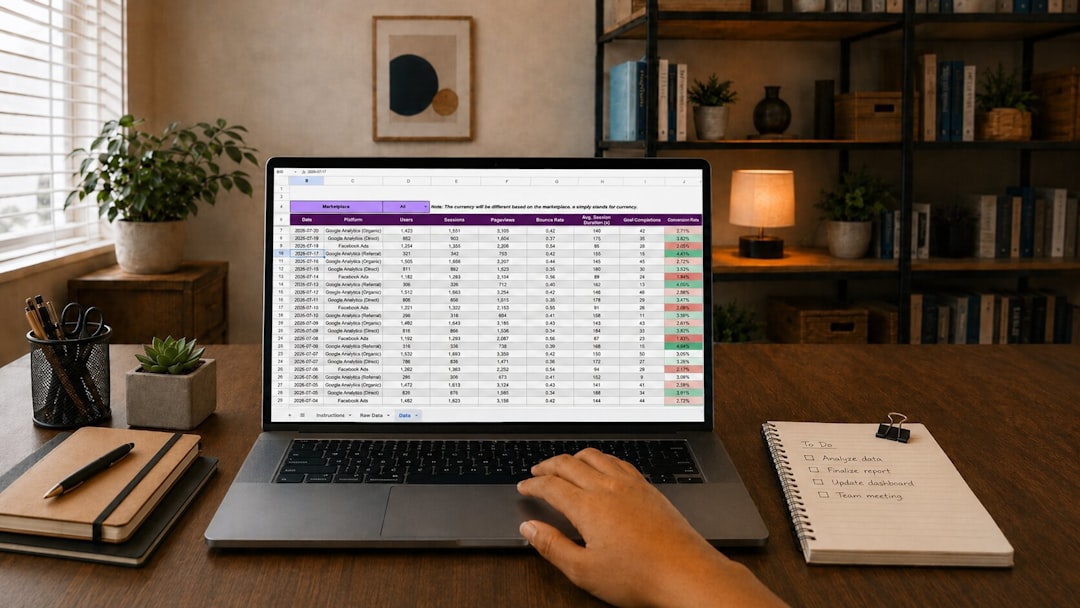
Let’s see AI Excel in action with a real-world example. The AI-Driven Document Analysis Spreadsheet enables solopreneurs to parse, categorize, and extract insights from hundreds of documents or emails automatically. This template features columns for source file, entity type, title, author, publication year, and more—populated in seconds by AI. Imagine uploading a folder of contracts or invoices and getting a fully structured, searchable database—no manual entry required.
- AI Excel for Solopreneurs
- Automated Data Entry
- Smart Reporting
- Predictive Insights
- Workflow Integration
- Receipt Parsing
- Document Analysis
- Dashboards
- Visualizations
- Sales Forecasting
- Trend Detection
- CRM Updates
- Email Automation
Best Practices and Watchouts for AI Excel Automation
While AI Excel can supercharge your efficiency, it’s important to use it wisely. Here are best practices for solopreneurs:
- Validate Outputs: Always review AI-generated data for accuracy, especially for critical business decisions.
- Privacy Considerations: Avoid uploading sensitive client or financial data into third-party AI tools unless they comply with your privacy requirements.
- Keep It Simple: Don’t automate for automation’s sake; focus on the highest-impact, highest-frequency tasks first.
- Iterate Often: AI models improve over time—revisit your automations quarterly for refinements.
For more on tool consolidation and digital best practices, see Tool Consolidation for SMB Managers: Boosting Efficiency and Cutting Costs in 2026.
- What is AI Excel and how is it different from regular spreadsheets?
- AI Excel uses artificial intelligence to automate tasks, analyze data, generate insights, and reduce errors—beyond the capabilities of traditional spreadsheets that rely solely on manual formulas and input.
- How can solopreneurs benefit from AI-powered spreadsheets?
- Solopreneurs can automate repetitive tasks, gain faster insights, improve accuracy, and free up time for strategic work, enabling them to compete with larger teams.
- What are the best AI Excel tools in 2026?
- Top options include Microsoft Excel Copilot, Google Sheets Smart Fill, Notion AI, AITable, and integration platforms like Zapier AI for connecting workflows.
- Is AI Excel hard to set up for non-technical users?
- No—most AI Excel features are accessible via simple add-ons, built-in tools, or templates that require no coding or advanced setup.
- Are there any risks with using AI in spreadsheets?
- Potential risks include data privacy concerns and occasional AI misclassification, so always review outputs and use trusted platforms for sensitive data.
- How much time can AI Excel save per week?
- On average, solopreneurs report saving 4–8 hours per week by automating their most repetitive spreadsheet tasks with AI.